FastDDNS updates and guides
Read setup tutorials and troubleshooting knowledge for DDNS deployments.
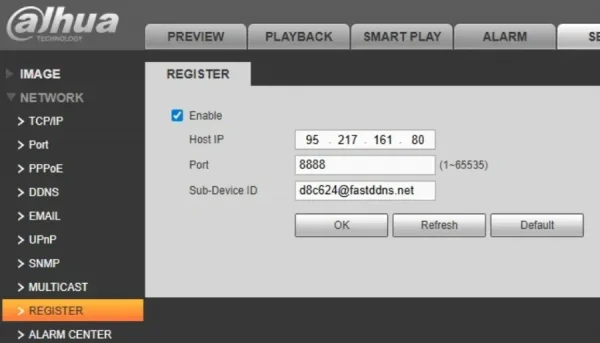
Dahua Auto Register DDNS Setup Guide – FastDDNS
No DDNS menu on your Dahua device? Use Auto-Register with FastDDNS to automatically update your hostname. Just fill in 3 fields — no port forwarding needed.
Guide to the Automatic DDNS Configuration Feature (for Dahua & Hikvision)
Guide to the Automatic DDNS Configuration Feature for Dahua and Hikvision Devices
Instructions for installing FastDDNS.com dynamic domain name on Draytek router
Instructions for installing FastDDNS.com dynamic domain name on Draytek router
How to Install Free Fast DDNS Dynamic DNS on Router pfSense
How to Install Free Fast DDNS Dynamic DNS on Router pfSense
How to Install Free Fast DDNS Dynamic DNS on Router Mikrotik
How to Install Free Fast DDNS Dynamic DNS on Router Mikrotik
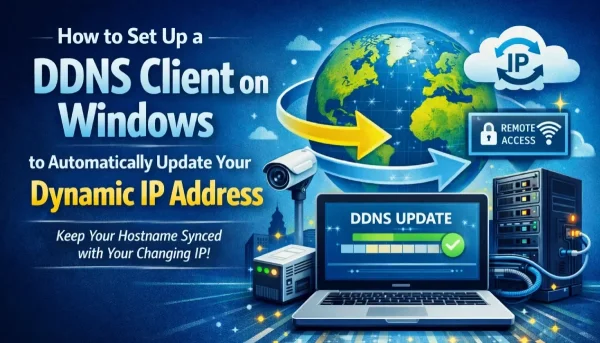
DDNS Client for Windows – Auto Update Dynamic IP Fast
Set up a DDNS client on Windows to automatically update your dynamic IP and enable remote access without static IP. Step-by-step FastDDNS guide.
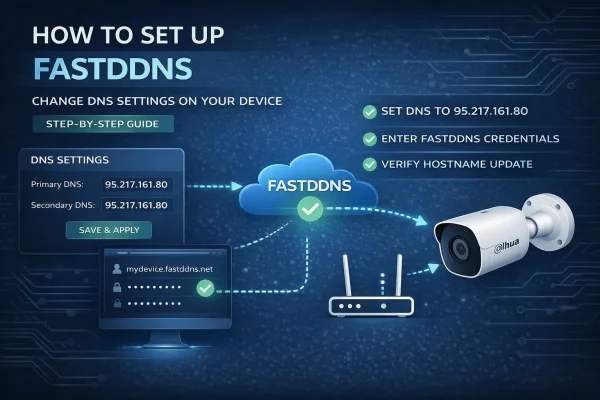
How to Set Up FastDDNS by Changing DNS Settings on Your Device
Learn how to install FastDDNS Dynamic DNS by changing the DNS address on your IP camera, NVR, DVR, or other network device. Step-by-step guide with troubleshooting tips.
How to set up Hostname DDNS for Xiongmai Tech DVR (Port 34567, App Goodeye, XMeye, vMEyeSuper...)
How to set up Hostname DDNS for Xiongmai Tech DVR (Port 34567, App Goodeye, XMeye, vMEyeSuper...)
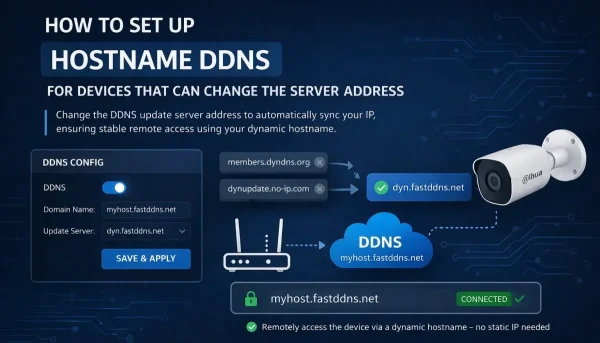
Replace No-IP or DynDNS Server Address with FastDDNS
How to replace the default No-IP or DynDNS server address with FastDDNS. Works on many Hikvision, Dahua, and OEM devices that let you edit the server address.
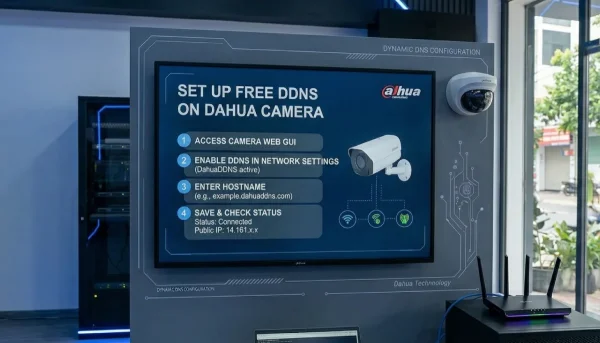
How to Set Up Free Dynamic DNS (DDNS) on Dahua Camera
Learn how to configure FastDDNS on Dahua cameras, NVR, and DVR devices with a simple step-by-step guide for remote access using dynamic DNS.